
WE ARE EASYBASKET
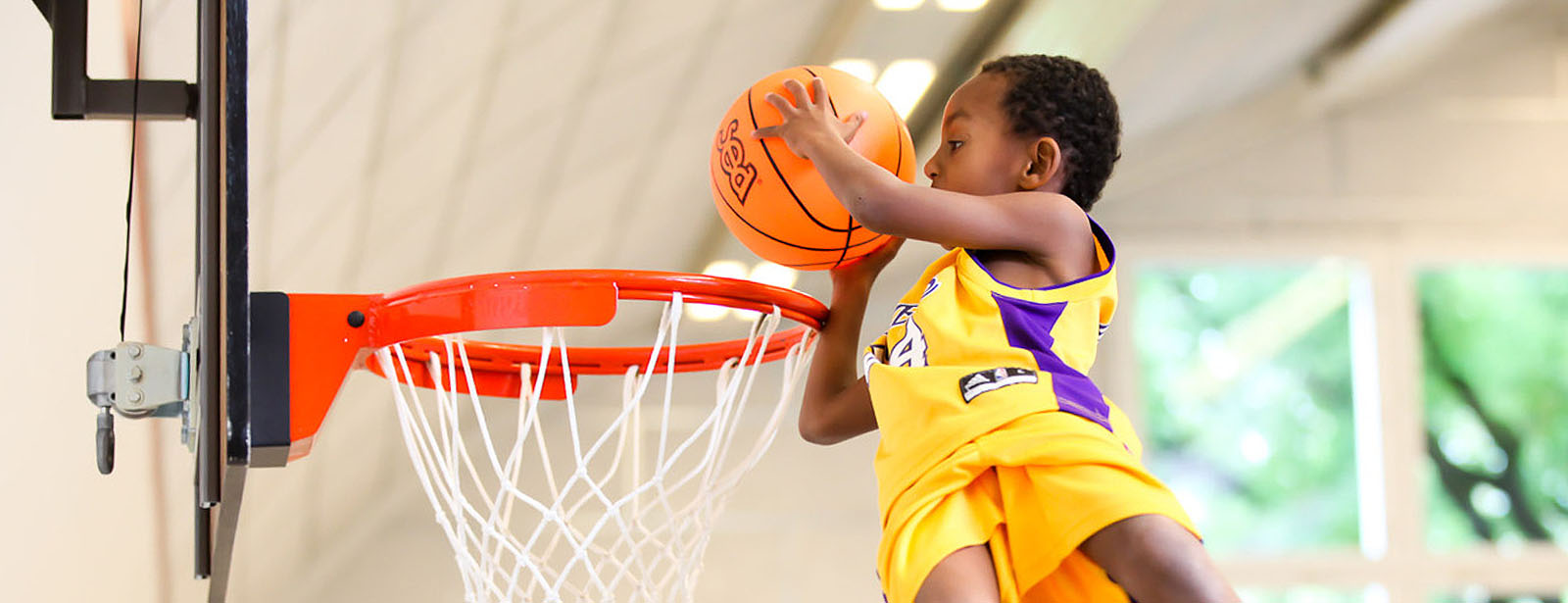
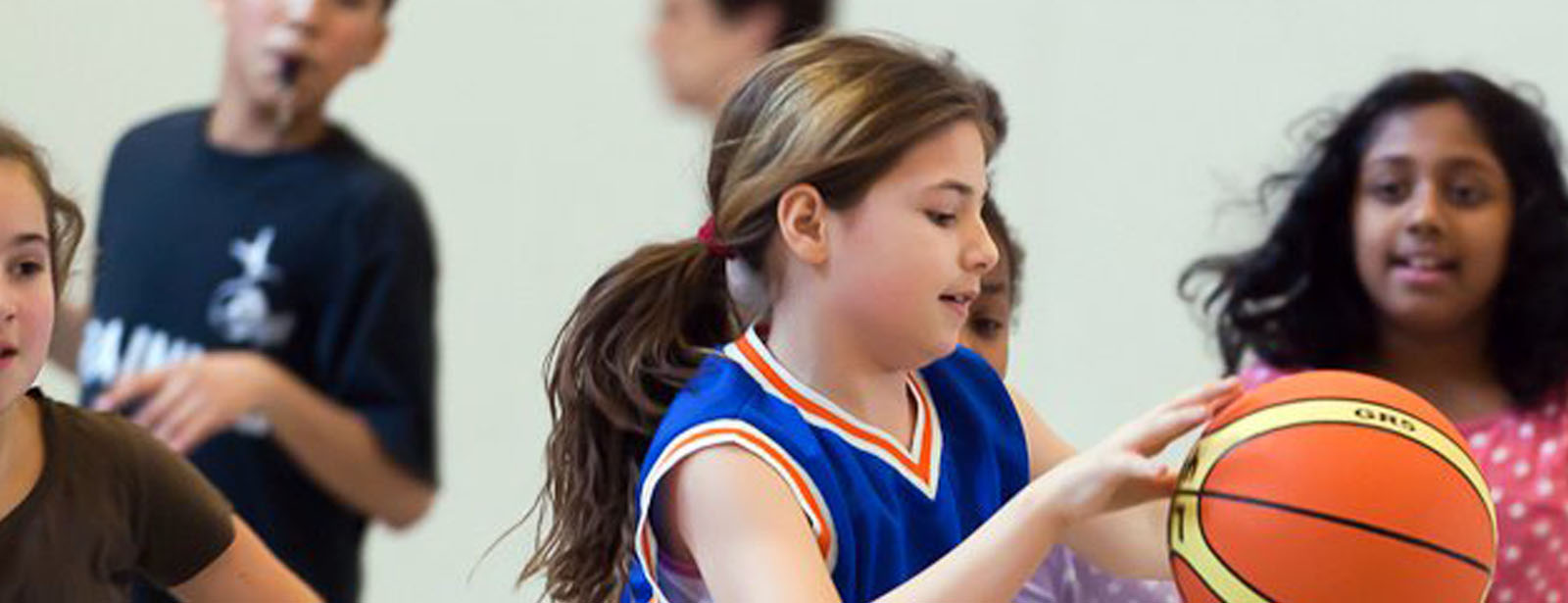
Basketball kinderleicht für Kids zwischen 5 und 9 Jahren.
Samstags in der Gitterli Halle in Liestal vorbeischauen und mitmachen.


Easybasket Termine
Easybasket findet an ausgewählten Samstagen und Sonntagen
in der Gitterli Ballonhalle in Liestal statt
und zwar von 10:00 bis 12:00.
Die Teilnahme ist kostenlos!
Termine für die Saison 2025/26
Gitterli Ballonhalle, 10;00 - 12:00 Uhr
Kontakt:
jan.wolf@lb44.ch
info@lb44.ch
Easybasket - Basketball kinderleicht
Easybasket ist eine vereinfachte Form des Basketballs.
Das vereinfachte Reglement erlaubt die optimale Förderung unserer Sportart bereits in sehr jungen Jahren. Oftmals mangelt es den Basketballneulingen im Alter zwischen 9 und 11 Jahren an der nötigen Kraft den Ball in den Korb zu befördern oder das Spielverständnis ist noch nicht genügend vorhanden, sodass der Ball aufgrund von Regelübertetungen ständig verloren geht. Easybasket schafft diesen Problemen Abhilfe und garantiert die Konkurrenzfähigkeit von Basketball im Verhältnis zu anderen Sportarten wie beispielsweise Fussball.
Liestal Basket 44 setzt sich seit vielen Jahren aktiv für die Jugendförderung ein und möchte mit Easybasket den Sport weiter fördern. Unser Verein organisiert deshalb Easybasket-Turniere an dessen Mannschaften aus der Region teilnehmen können. Die Turniere dienen als Vorbild und sollen in Zukunft auch andere Vereine motivieren Easybasket aktiv zu fördern. Mache zusammen mit deinen Nachbarn oder Schulkollegen eine Mannschaft und erlebe die Spielfreude am Basketball!

Easybasket Gallery
Hier kannst Du die neusten Easybasket-Bilder anschauen:
http://easybasket.tumblr.com/
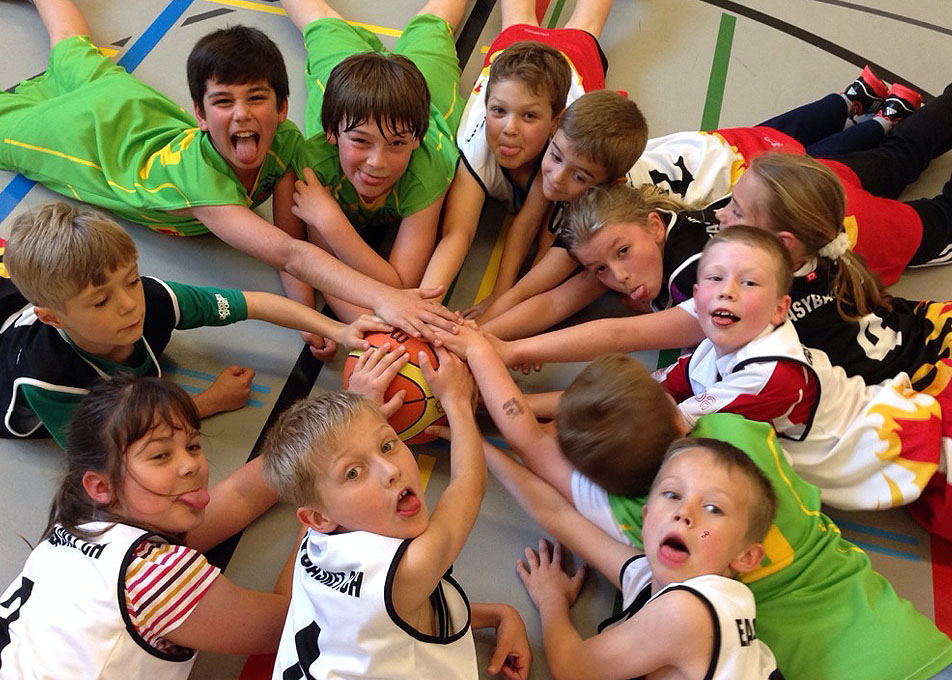
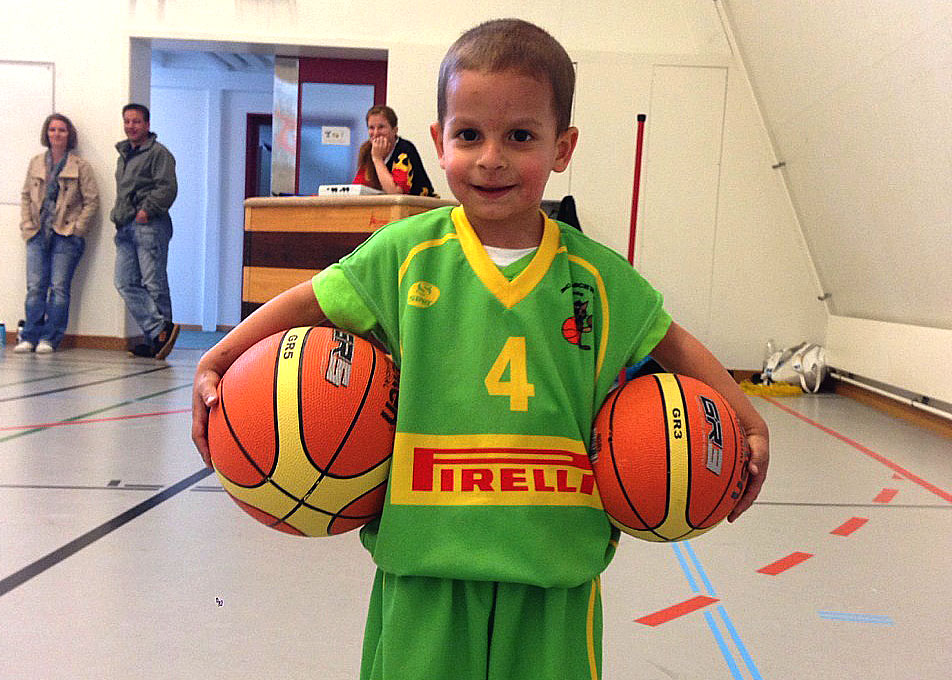
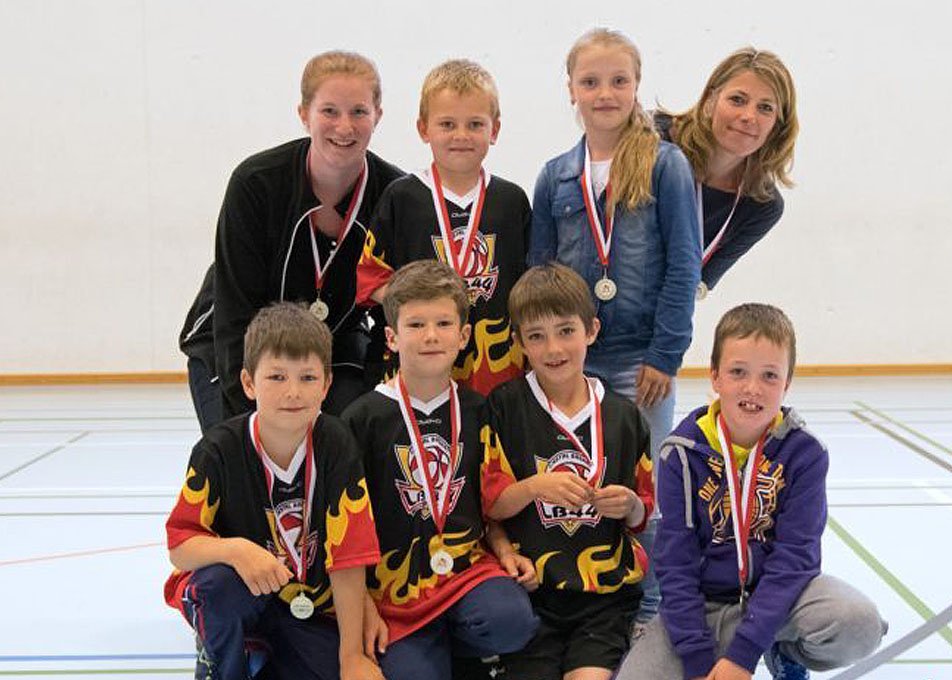

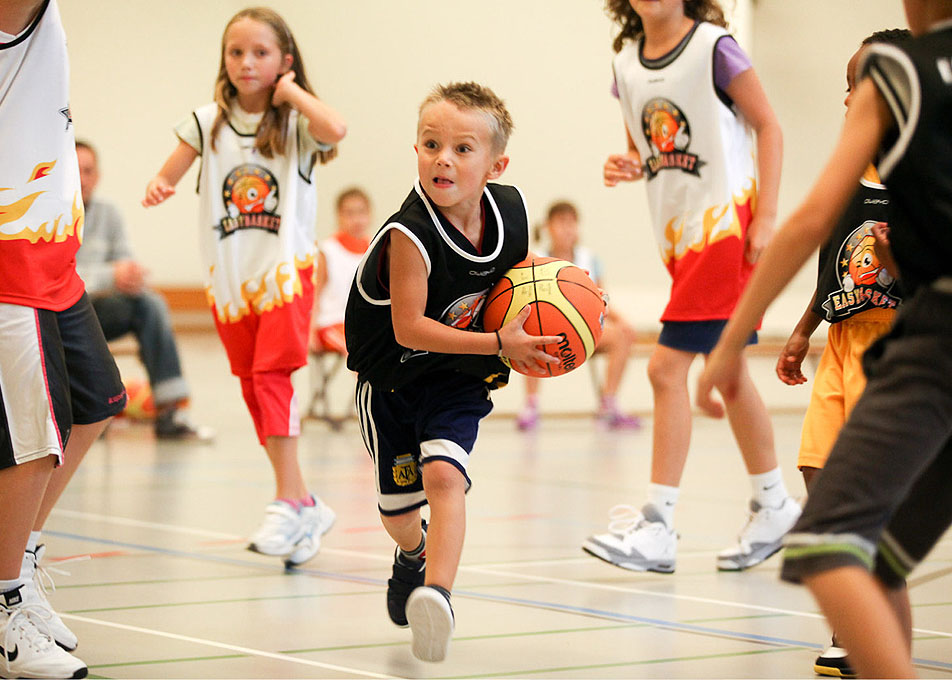


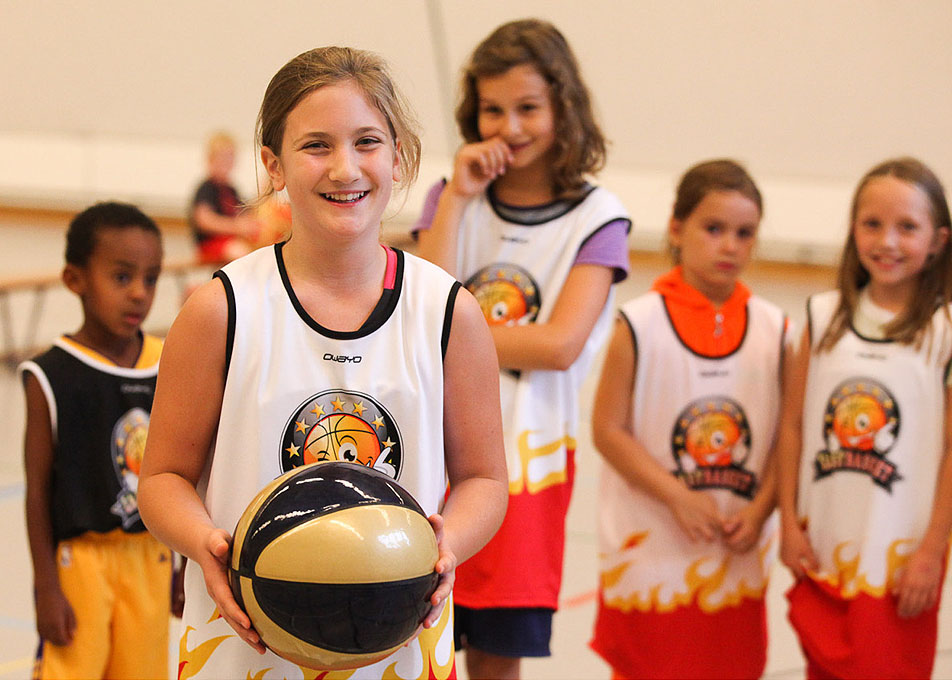
Du willst auch einmal an einem Easybasket-Turnier dabei sein? Kontaktiere uns!
Easybasket Blog

Wer kann es glauben? Easybasket wird bereits 10 Jahre alt. 2008 hat Liestal Basket 44 Easybasket erstmals in die Schweiz gebracht.
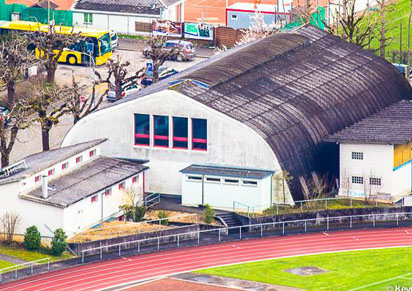
Easybasket findet auch 2017/18 in der Gitterli Ballonhalle in Liestal statt (Kasernenstrasse 59, 4410 Liestal). Die aktuellen Termine finden Sie im Menü oben.

Die beiden J&S-Kids Betreuerinnen Nicole Donzé und Monika Wittstich leiten die Easybasket-Turniere. Sie sind langjährige Spieleinnen der Damenbewegung bei Liestal Basket 44.
Extensions
The form you see on this website is the Free Edition of another cool product JSN UniForm from JoomlaShine. Please click on the below button to check the PRO Edition of this extension.
JSN UniForm will bring you the new indulgence since you find out it is the easiest-to-use form extension for your site. Contact us, survey and job application are just some of thousand forms that this single extension can help you to create and control. Besides the intuitive drag-n-drop operation, flexible form presentation and multiple pages layout, JSN UniForm also assists you to deeply understand your collected data with the multiple admins email notification, clean result display or submission filter.
Below is the donation form created by the Free Edition of JSN UniForm.
{uniform form=5/}The contact component provides a way to provide contact forms and information for your site or to create a complex directory that can be used for many different purposes. Help
The content component (com_content) is what you use to write articles. It is extremely flexible and has the largest number of built in views. Articles can be created an edited from the front end, making content the easiest component to use to create your site content. Help
All components also are used in the administrator area of your website. In addition to the ones listed here, there are components in the administrator that do not have direct front end displays, but do help shape your site. The most important ones for most users are
- Media Manager
- Extensions Manager
- Menu Manager
- Global Configuration
- Banners
- Redirect
ÂÂ
Media Manager
The media manager component lets you upload and insert images into content throughout your site. Optionally, you can enable the flash uploader which will allow you to to upload multiple images. Help
Extensions Manager
The extensions manager lets you install, update, uninstall and manage all of your extensions. The extensions manager has been extensively redesigned for Joomla! 1.6, although the core install and uninstall functionality remains the same as in Joomla 1.5. Help
Menu Manager
The menu manager lets you create the menus you see displayed on your site. It also allows you to assign modules and template styles to specific menu links. Help
Global Configuration
The global configuration is where the site administrator configures things such as whether search engine friendly urls are enabled, the site meta data (descriptive text used by search engines an indexers) and other functions. For many beginning users simply leaving the settings on default is a good way to begin, although when your site is ready for the public you will want to change the meta data to match its content. Help
Banners
The banners component provides a simple way to display a rotating image in a module and, if you wish to have advertising, a way to track the number of times an image is viewed and clicked. Help
Redirect
The redirect component is used to manage broken links that produce Page Not Found (404) errors. If enabled it will allow you to redirect broken links to specific pages. It can also be used to manage migration related URL changes. Help
The search component proviedes basic search functionality for the information contained in your core components. Many third part extensions also can be searched by the search component. Help

copyright
Copyright © 2008 - 2017 www.easybasket.ch All rights reserved